
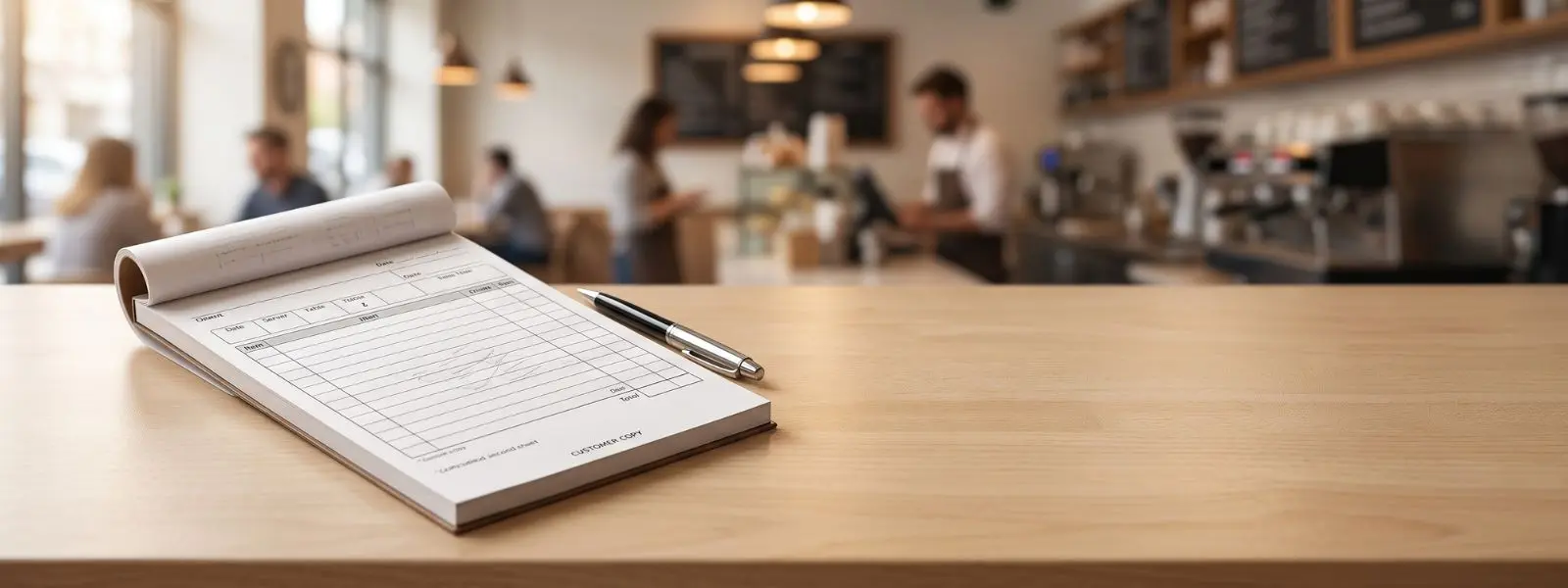
Not all restaurant paper touches food. Behind the service — on the order pad, the guest check, the catering form — is a different kind of paper doing quiet, essential work: carbonless NCR paper, the stuff that instantly makes a clean duplicate the moment a server writes an order. It routes tickets to the kitchen, keeps a copy for the books, and hands the guest a legible check, all without smudgy carbon sheets. Here is how it works and how to spec it for a restaurant.
Carbonless NCR (“No Carbon Required”) paper is multi-part form paper that creates instant duplicate copies through a chemical coating rather than carbon. In restaurants it is used for guest checks, order pads, and catering forms, in 2-, 3-, or 4-part sets that route copies to the guest, kitchen, bar, and office. It keeps service clean, fast, and accurate.
Unlike food paper, NCR paper is a business-forms product — but it is central to restaurant operations. This guide explains how it works, the form types, colors, and how to order custom, branded sets.
How does carbonless NCR paper work?
Carbonless paper works through a chemical reaction, not carbon: pressure from a pen bursts micro-capsules of dye on one sheet, which react with a clay coating on the sheet below to form an exact copy. Writing on the top sheet instantly appears on every sheet beneath.
Each ply is specially coated — the back of upper sheets carries micro-encapsulated dye (a “coated back,” or CB), and the front of lower sheets carries reactive clay (a “coated front,” or CF), with middle sheets coated on both sides (CFB). When a server presses down with a pen, the capsules rupture and the dye reacts with the clay to reproduce the writing cleanly on each copy. The name comes from the National Cash Register company, which developed it in the early 1950s, and “NCR” is now widely read as “No Carbon Required.” Modern coatings are safe and non-toxic, replacing the messy, staining carbon paper of the past.
What are 2-part, 3-part, and 4-part forms?
The “part” number is simply how many copies a set produces — one original plus one to three duplicates. Restaurants pick the number of parts by how many stations need a copy of each order.
A 2-part form makes one copy — typically a guest copy and a kitchen copy, or a customer receipt and a business record. A 3-part form makes two copies, routing an order to the guest, the kitchen, and the bar or management. A 4-part form adds a fourth copy for operations that need one for the guest, kitchen, bar, and office. The plies are stacked so each transfers to the next, and sets are bound into pads or books (often 50 sets) or supplied as loose or glued sets. Choosing the right number of parts means matching the form to your actual workflow — a bar-and-kitchen operation benefits from 3-part checks, while a simple cafe may only need 2-part.
What do the colors mean, and what are the uses?
The different colored plies aren’t decorative — they identify which copy goes where. A consistent color order makes routing instant and error-free during a busy shift.
The standard sequence is white for the first (original) ply, canary/yellow for the second, pink for the third, and goldenrod for the fourth, with other colors like green or blue sometimes substituted. Servers and kitchen staff learn the color code, so a glance tells everyone which copy is theirs. In restaurants, carbonless paper shows up as guest checks and guest check pads, server order pads and tickets, catering and banquet order forms, delivery and pizza order books, and receipt books. Across all of them, the benefit is the same: an instant, accurate duplicate that keeps every station in sync and the accounting clean, without rewriting anything.
Why do restaurants use carbonless instead of single-sheet or carbon?
Restaurants use carbonless because it is clean, fast, and accurate — it eliminates carbon’s mess while automatically duplicating orders. Compared to the alternatives, it hits the sweet spot for handwritten service.
Traditional carbon paper made copies but was messy, smudged uniforms and hands, and released staining dust; carbonless removes all of that while still producing instant copies, so servers stay presentable and guest checks arrive clean and legible. Compared to single-sheet checks (which suit POS-driven kitchens), carbonless is the right tool wherever orders are handwritten and multiple stations need the same information without re-copying. The automatic duplication also reduces transcription errors and keeps a reliable paper trail for accounting. For operations that still write orders by hand — which is most full-service and many quick-service settings — carbonless is the practical standard.
How do you order custom NCR restaurant forms?
Order custom NCR forms by choosing the number of parts, colors, size, and your printed branding, then approving a proof. Custom sets add a professional touch and fit your exact workflow.
Decide the number of parts to match your stations, the ply colors for routing, and the size to fit your check presenters or order books. Then add branding — your restaurant name, logo, and any pre-printed fields, headers, or line layouts — printed on the sets; note that most business-form printing keeps a small blank margin (around 1/8″) around the edge. Choose padded books, glued sets, or loose sets to match how your staff work, and confirm minimums and lead time. A custom, branded guest check or order pad reinforces a professional image every time it reaches a guest. For the printing methods behind custom forms, see custom paper printing methods; to spec forms, explore custom NCR forms and guest checks and request a proof.